Managing shared libraries (Part 1)
LINUXLPIC-1


The syntax of Linux libraries is like in these two examples:
$ ls /lib/x86_64-linux-gnu/libapparmor.so.1.2.3
$ ls /lib/systemd/libsystemd-shared-237.so
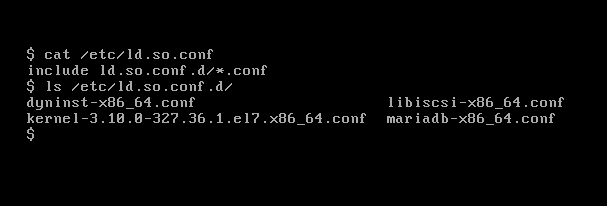
These are the libraries configuration files:
$ cat /etc/ld.so.conf
$ ls /etc/ld.so.conf.d/
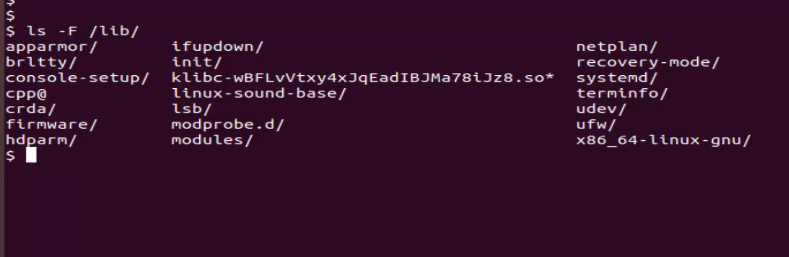
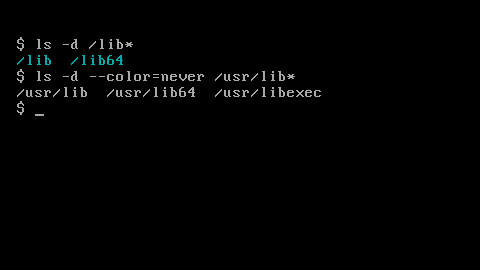
There are several locations where the libraries can be found:
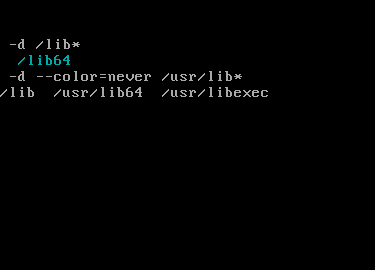
$ ls -d /lib*
$ ls -d /usr/lib*
$ ls -F /lib
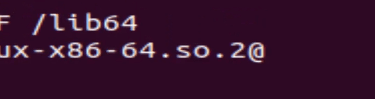
With this binary I can dynamically load another binaries or apps needed libraries (there's an example at end):
$ ls -F /lib64
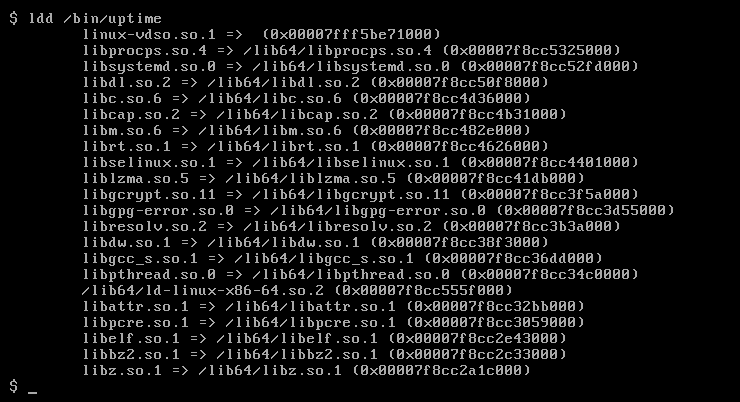
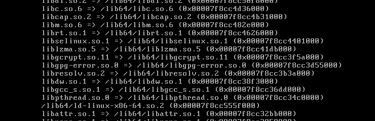
We can see all the needed libraries for the uptime command (but we need the full path):
$ which uptime
$ ldd /bin/uptime
It shows not only the libraries needed but also their location.
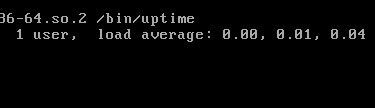
Check if the uptime command has all the libraries needed:
$ /lib64/ld-linux-x86-64.so.2 /bin/uptime
(it executes the command perfectly so all the libraries are found.)
To continue learning about libraries, check Part 2.


Contact
hello@unixtips.eu
© 2025. All rights reserved.